How to Change the Icon of a File or Folder on Linux Mint (Cinnamon, Nemo)

Linux Mint's Nemo: "Choose an icon" Dialog (2025)

Share
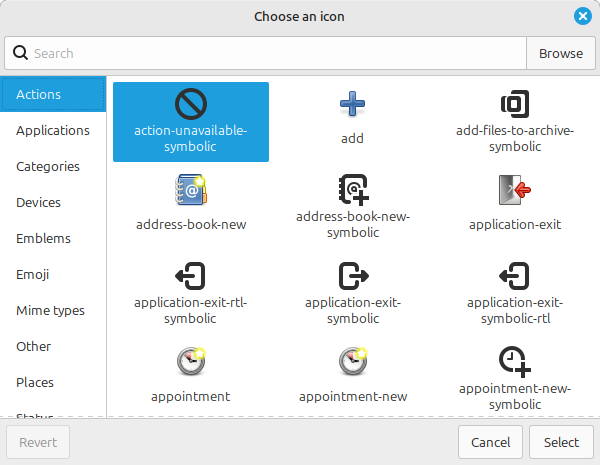
A dialog window titled "Chose an icon." In it, a search box, and a button labelled "Browse." A side pane with multiple categories: Actions (Selected), Applications, Categories, Devices, Emblems, Emoji, Mime types, Other, Places, Status. And a main pane with various icons, such as action-unavailable-symbolic (Selected), add, add-files-to-archive-symbolic, address-book-new, address-book-new-symbolic, application-exit, application-exit-rtl-symbolic, application-exit-symbolic, application-exit-symbolic-rtl, appointment, appointment-new, and appointment-new-symbolic. Three buttons: Revert (grayed out), Cancel and Select.

Description

Linux Mint's Cinnamon's Nemo's "Choose an icon" dialog.

Metadada

File Type
image/webp
File Size
21.2KiB
Resolution
600x465px

View Comments