What is a Post Date Link?
A post date link is a link to the URL of a post on blogs and social media that appears as the date of the post on a feed. This is a convention. Note that the post dates are often relative dates, e.g. "2 hours ago," but the convention holds nevertheless.
Caveats
Nowadays, many feed-based social media make the entire post clickable, but that doesn't mean the entire post is a link. Web browsers treat links specially. You can right click on a link to open it in a new tab, or Ctrl+Click them, or middle click them.
As a consequence, some social media simply don't make the dates into links anymore.
Some social media wrongly implement the interaction. Because the link is inside the post, when you click the link you click the post. The default behavior of the web browser would be to fully reload the page when you click the link. Websites like to override that to make only the post load without reloading the page. Unfortunately, the way Javascript works is that in order to override the default behavior of link clicks you have to override the default behavior of clicks in general, and that includes the middle click and Ctrl+Click.
The proper way to implement this then, would be to check if the click is a left click, and then additionally check if any of the modifier keys are pressed, and if all of this is false then you override the default behavior. But you would only do this if you knew Ctrl+Click opened links in a new tab first, and most people just don't know about this.
Examples
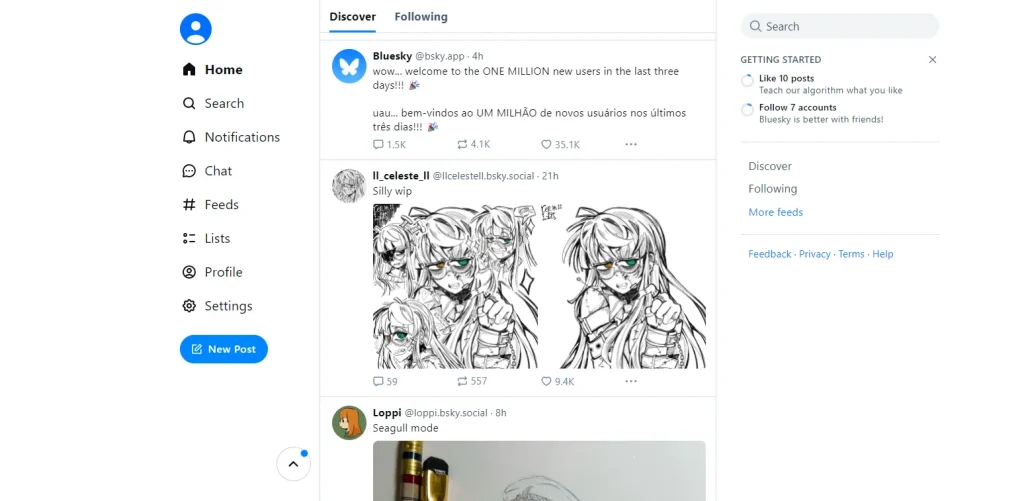
Mastodon (as of 2025-04-07) correctly implements date links.
Bad Examples
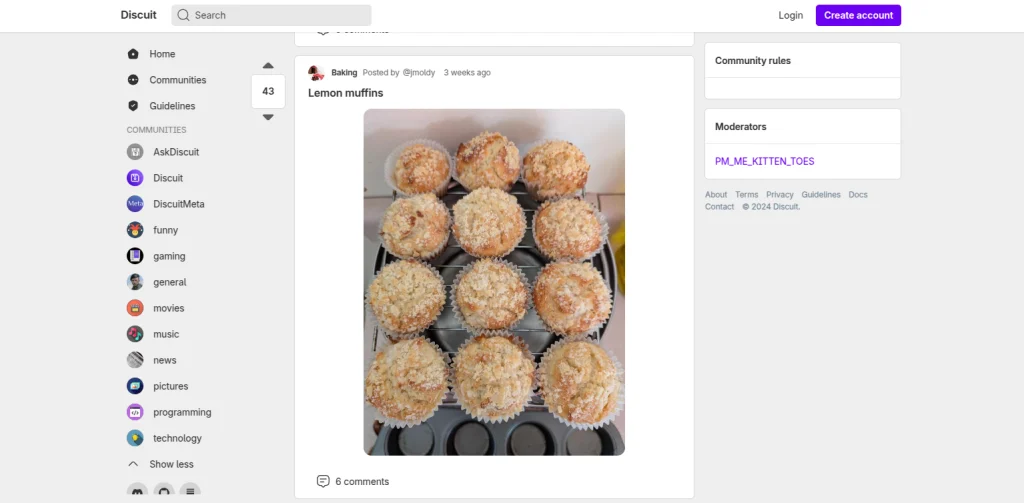
Lemmy (as of 2025-04-07) has dates that display the link cursor but aren't actually links and clicking on the does nothing.