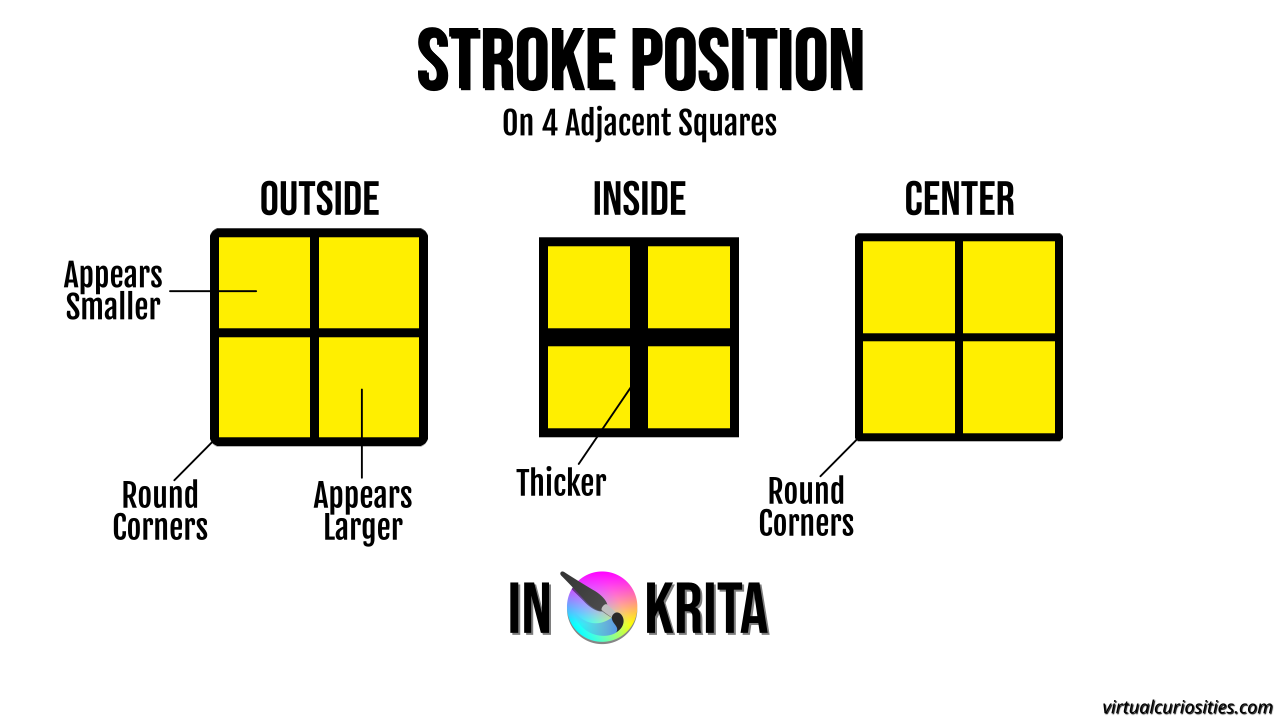
How to Add a Stroke Effect to a Text or Graphic in Krita Krita: "Stroke Position" Effect in Layer Style (2025) Share 2025-06-05 Description The difference between Outside, Inside, and Center stroke positions in Krita. Metadada File Type image/webp File Size 28.2KiB Resolution 1280x720px Related Articles How to Add a Stroke Effect to a Text or Graphic in Krita View Comments