What is Steam?
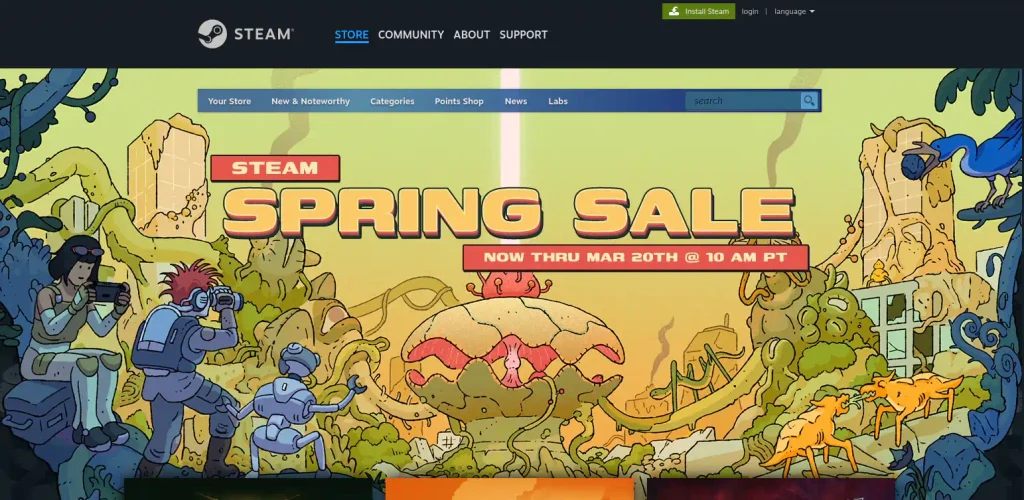
Steam [store.steampowered.com] is a game store website for purchasing computer games and other applications available for Windows, macOS, and Linux. The store also lists free games that you can download and play on your computer without paying. Besides being a website, Steam is also an application that serves as client for the game store.
To use Steam, it's necessary to create an account, and for that you need an e-mail address. It's also necessary to download and install the Steam client. Through the Steam client, you download games and applications you purchased, and the client keeps them updated automatically.
Steam also provides social media features, like forums for games, blogs for game developers to post news about their games that you see in the client, profiles for users where you can display your favorite games and post screenshots, groups you can join, a friends' list with direct messaging capability if you want to chat through Steam, game achievements, cloud storage for game screenshots, a marketplace for in-game items from certain titles where you can sell drops for pennies, among other features.