What is a "Wallpaper" in the Computer?
Wallpaper is a term for the image that stays behind the icons on your desktop, in the background. On PC the wallpaper is on what we call the "desktop," while on smartphones and tablets the wallpaper is for what is called the "home screen," which is equivalent to the desktop on the PC.
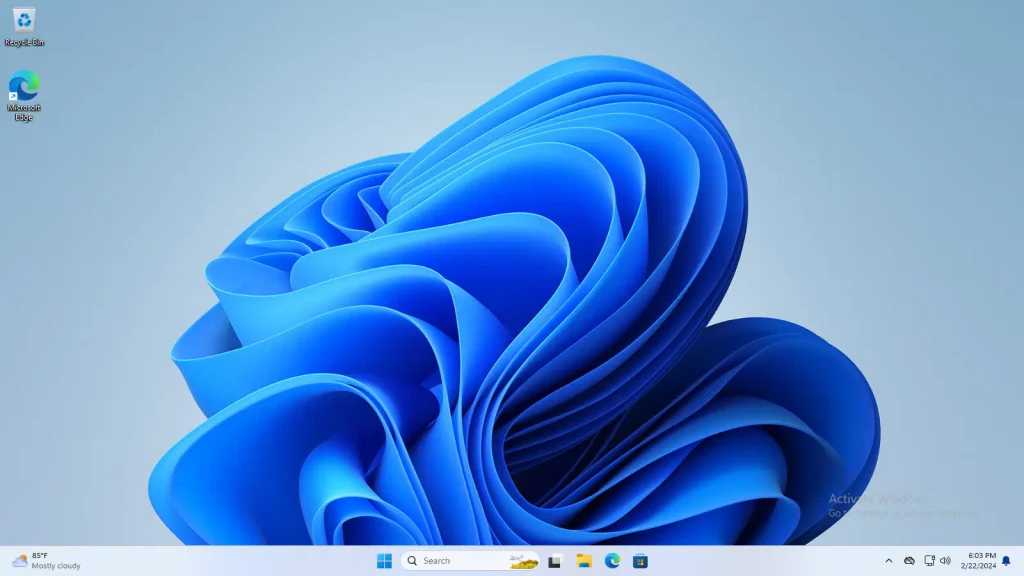

Is the Taskbar Part of the Wallpaper?
The wallpaper doesn't include the taskbar. An opaque taskbar may hide part of the wallpaper, but there are also transparent taskbars that let you see the wallpaper through them.
What is the Resolution of a Wallpaper?
The resolution of a wallpaper varies according to the resolution of the screen where the wallpaper will be displayed. Unfortunately, there are all different sizes of screens, so it's difficult to give an exact resolution. Instead, we normally work with aspect ratios in this case.
For example, old computers had CRT monitors with a 4:3 aspect ratio. You had resolutions like 800x600px and 1024x768px.
Then we started having wider screens with a 16:9 aspect ratio, such as 1280x720px, 1600x900px, 1920x1080px, and so on.
Operating systems are aware that the image you want for your wallpaper probably won't fit your screen perfectly, so they come with various different modes to fit the image to the screen, either by scaling it up or down, or stretching it disregards the original proportions of the image.
Usually, you will want to find a wallpaper that is at least the size of your screen.