In this tutorial, we'll learn how to run an appimage on Linux Mint. Appimages are commonly used to distribute applications in portable format.
To run an appimage, follow the following steps:
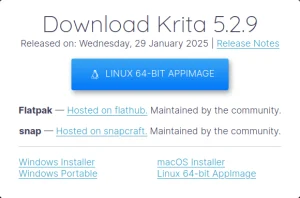
1: acquire an appimage file, e.g. by downloading it from your application's website. It has the .appimage file extension. Keep in mind that you should only download these files from trusted sources (just like .exe files on Windows), as they could contain malware or have been tampered with.
2: make the appimage executable.
3: double click on the appimage to run it.
Note: to place the appimage in your start menu, create a launcher to it on the desktop and you'll be asked whether to put it on the start menu.