Description
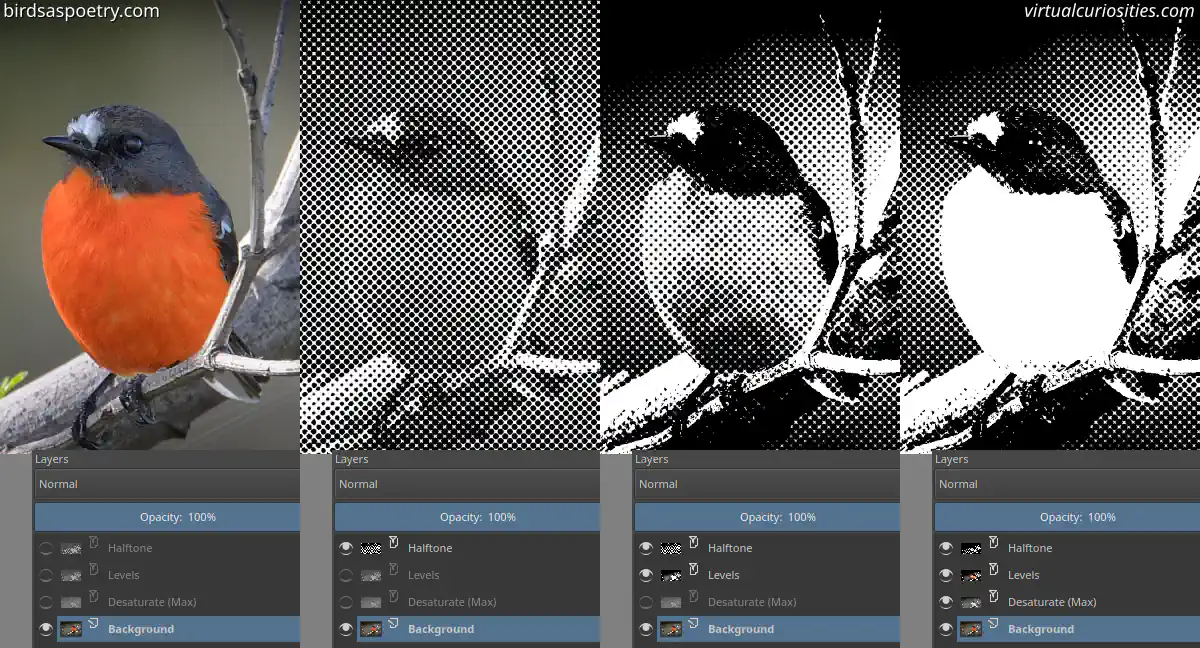
An example of the halftone effect created in Krita by combining the Hafltone filter, Levels filter, and Desaturate filter together. Photo: birdsaspoetry.com via Flickr.
An example of the halftone effect created in Krita by combining the Hafltone filter, Levels filter, and Desaturate filter together. Photo: birdsaspoetry.com via Flickr.