Virtual Curiosities

  • Websites
    • Search Engines
    • Social Media
  • Applications
    • For Digital Art
  • Tutorials & Tips
    • The Basics
    • Windows
    • GIMP
    • Krita
    • Inkscape
    • DaVinci Resolve
    • OBS Studio
    • WordPress (PHP Programming)
  • Reference
    • Hardware (Concepts)
    • Names of Computer Parts
    • Software (Concepts)
    • File Extensions
    • User Interfaces
    • Images & Image-Editing (Concepts)
    • Video & Video-Editing (Concepts)
    • Games (Terminology)
    • Internet (Concepts)
How to Create an Account on Tumblr

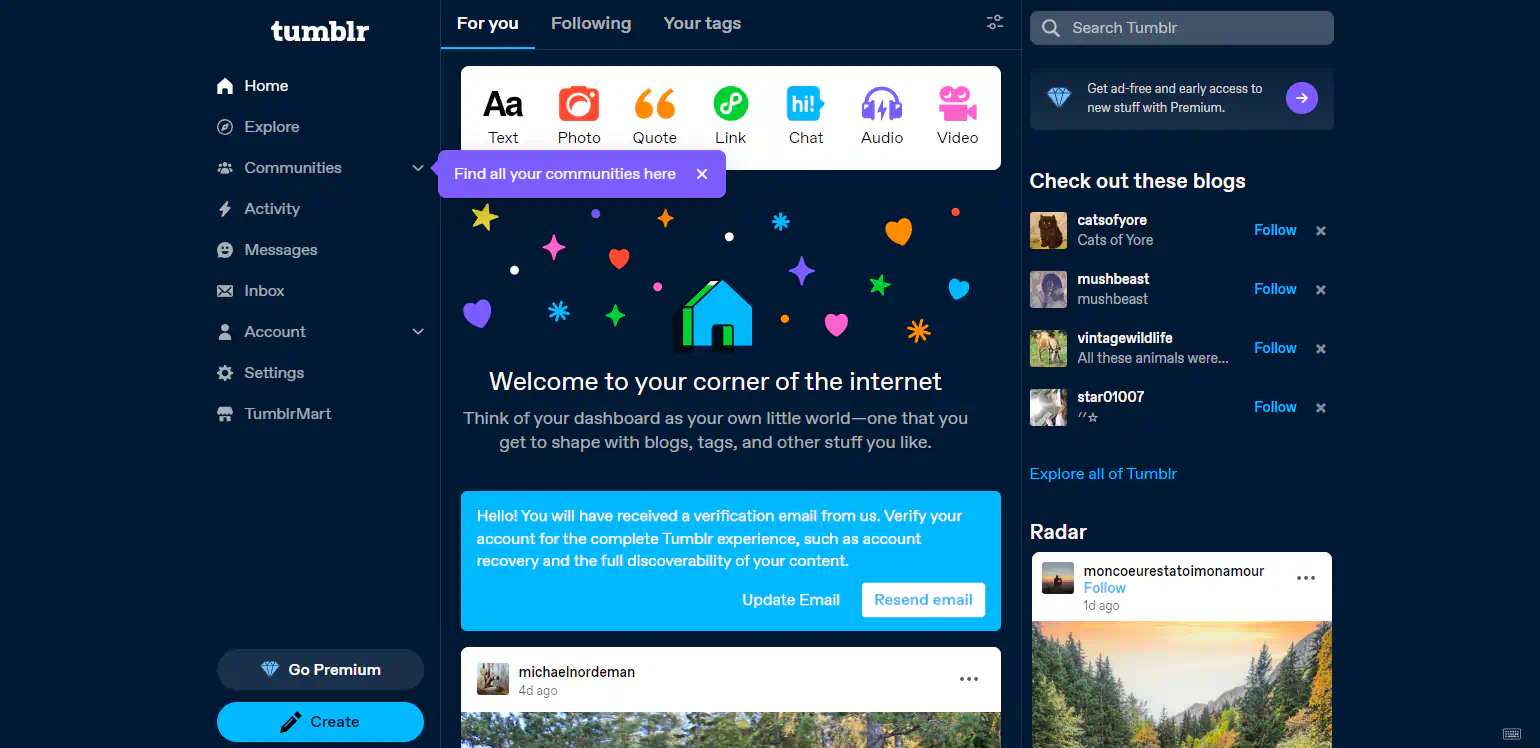
Tumblr: Account Created Success Message (2024)

Share
2024-10-19
Tumblr's home feed interface. In the middle, a message reads: "Welcome to your corner of the internet. Think of your dashboard as your own little world—one that you get to shape with blogs, tags, and other stuff you like." A message below reads: "Hello! You will have received a verification email from us. Verify your account for the complete Tumblr experience, such as account recovery and the full discoverability of your content." Two buttons: "Update Email" and "Resend Email." On the left sidebar, a purple balloon reads "Find all your communities here" emphasizing the communities option in the menu.

Description

The message shown when you successfully create your account in Tumblr.

Metadada

File Type
image/webp
File Size
67.1KiB
Resolution
1540x748px

Related Articles

  • How to Create an Account on Tumblr

Share this page: send it to your friends!

View Comments

About the Site

  • Sitemap
  • Privacy Policy

Follow

Main Content © Virtual Curiosities 2023–2024.
Some Resources © Their Respective Authors.
Made with WordPress.